
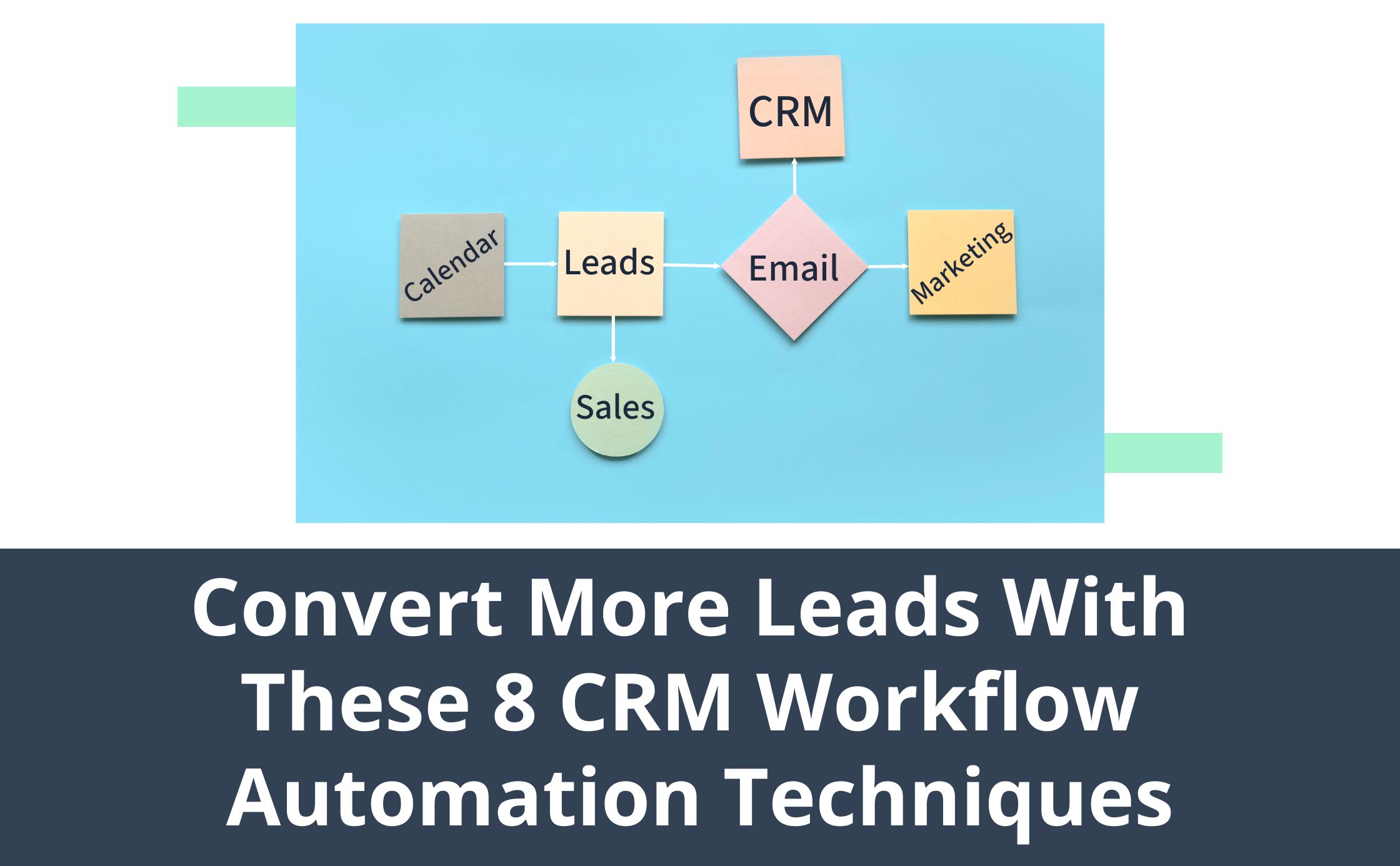
If you own a small business, you likely use customer relationship management (CRM) software to organize client information, email communication, and sales outreach. A CRM is a must-have in today's digital age, and most platforms come with a suite of automation integrations.
Automation can help you maximize the efficiency of your marketing, sales, and customer service initiatives. It's designed to improve the customer experience by keeping your contacts engaged throughout the buyer journey. The beauty of automation is that you can customize your approach to align with your sales and marketing objectives. Whether you're sending appointment reminders or follow-ups with sales calls, there are many creative ways to use automation to your CRM workflow advantage.
How to Automate Workflows
CRM workflow automation is a simple, streamlined process. It's designed to help minimize the need for mundane, manual tasks. All you need to do is think through your marketing and sales strategies to find what tools and automated efforts make the most sense for your small business, and be sure to avoid these common automation mistakes.
This technology can automate workplace tasks, marketing campaigns, sales follow-ups, and more. To use workflow automation, all you need to do is:
- Decide on your goals and objective
- Choose your workflow triggers or segment your audience
- Create email or SMS follow-ups
- Track the success of the workflow automation
- Optimize and make changes based on data
Eight CRM Workflow Automation Techniques
If you own a small business and want to automate workflows and manual tasks, we're here to help. Here are eight CRM workflow automation techniques to consider for your strategy.
1. Automate Your Welcome Series
After you acquire a new lead or prospect, you'll want to nurture them into a paying customer. The most effective way to do this is with an automated customer welcome journey. A customer welcome series educates new customers about your products or services. You can walk them through benefits, share free resources, or send an introductory offer. You'll want to include a CTA in each email that pushes your prospects to take a specific action.
2. Create a Lead Drip Campaign
A lead drip campaign is designed to nurture leads into paying customers. With this CRM workflow idea, you can ensure your business is top of mind after a sales call or demo. You can also follow up with current customers to encourage repeat business or cross-sell them other services they might find useful. Some popular lead drip campaign options include:
- Abandoned cart workflows
- Cross-sell or upsell campaigns
- Event or purchase confirmations
- Re-engagement campaigns
- Winback campaigns
Depending on your audience and type of small business, you may have several drip campaigns working in the background of your workweek. This is the best way to ensure you never miss a touchpoint with your customer throughout the buyer's journey.
3. Customer Support Tickets
You can develop a customer support workflow to ensure your customer's questions or concerns are addressed in real time. In the email follow-up, you can include FAQs and resources. You can also add alternative ways to reach out to your support team via email or live chat support. These workflows are designed to improve the customer experience and boost engagement.
4. Lead Scoring
Are you struggling to find qualified leads for your sales reps? Is your sales team prioritizing the wrong leads? With anautomated scoring system, you can better identify qualified leads in your pipeline, ensuring your team is only focused on leads with the highest chance to convert. This is the most effective way to identify potential prospects and maximize your sales efforts.
5. Prospecting and Lead Gen Workflows
Never miss a touch point or an upsell opportunity with prospecting workflow automation. You can also automate your CRM workflows to push your prospecting efforts. If you have a pop-up or a lead gen form on your website, you can use it as a trigger in your workflow. You can also create triggers based on page views or other actions. This way, prospects don't need to wait for someone on your sales or marketing team to reach out. They'll instantly be engaged through email and be encouraged to purchase or schedule a service.
6. Use Data to Optimize
Once you have a CRM workflow set up, you'll want to review the effectiveness regularly to adjust your approach. This is the best way to maximize your return on investment. Many CRMs will have a suite of data and analytic dashboards you can use to measure the effectiveness of your automated initiatives.
7. Schedule Automated Appointment Reminders
Automated appointment reminders are designed to remind customers they have an upcoming appointment with your small business. Automating these follow-ups is the best way to limit no-shows and ensure your team's time is never wasted. You can also encourage customers to reschedule or cancel their appointment if the time no longer works for them. Automating these initiatives will limit the need for manual outreach and ensure an appointment is never missed or forgotten.
8. Personalization and Segmentation
You can then use personalization and segmentation in your workflows to maximize engagement. This is the most effective way to get better results from your initiatives. Personalization and segmentation will make your customers feel like every email you send is carefully crafted for them.
With CRM workflows, you can automate your email marketing and sales follow-ups based on specific triggers. The triggers can vary depending on buying behaviors, demographics, or location. You can use this information to customize your CRM workflows to align with your audience's likes and interests.
CRM Workflow Management With Townsquare Interactive
CRM workflow automation is a key tool for your sales, marketing, and customer service initiatives. If you aren't automating your follow-ups or email marketing campaigns, you risk losing your connection with your target audience.
Townsquare Interactive's all-in-one business management platform is designed with small business owners in mind. Our platform has a user-friendly interface and a suite of automation tools you can benefit from using.